


Network and cabling
Structured cabling, racks and switches, labeled and tested.
Network and cabling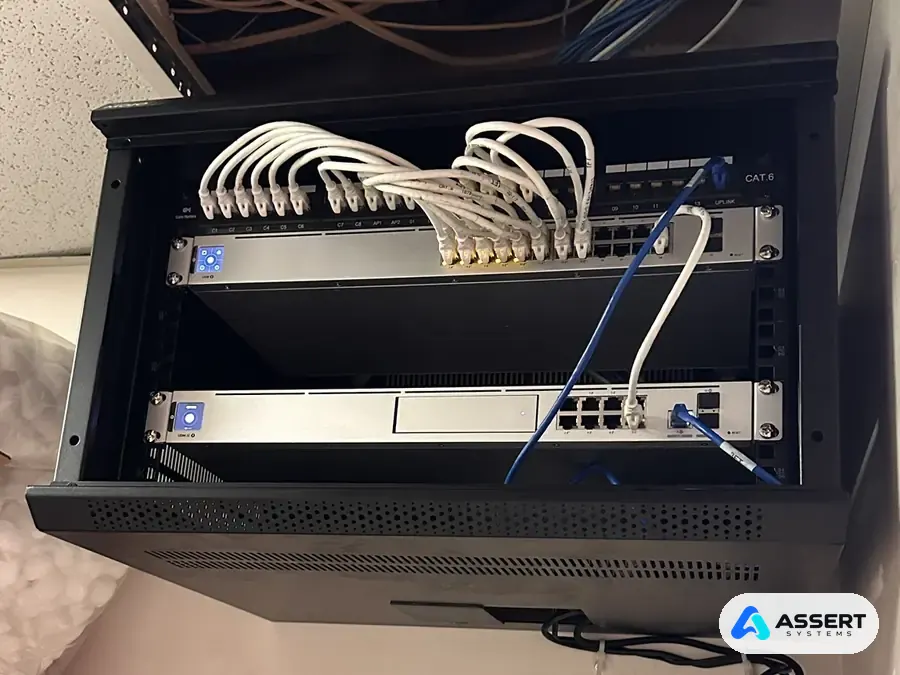
Case study · Network, WiFi and cameras
The clinic's network lived in a crowded phone closet: the internet router sat on top of a supply box, with cables hanging around the old phone system. We replaced it with a clean UniFi wall rack, new CAT6 cabling to a labeled patch panel, two WiFi 7 access points and 8 security cameras. Then we locked it down for a clinic: separate VLANs, guest WiFi kept apart from the main WiFi, intrusion prevention, content filtering and a safer DNS.
At a glance
Shared with the clinic's permission.
Before and after
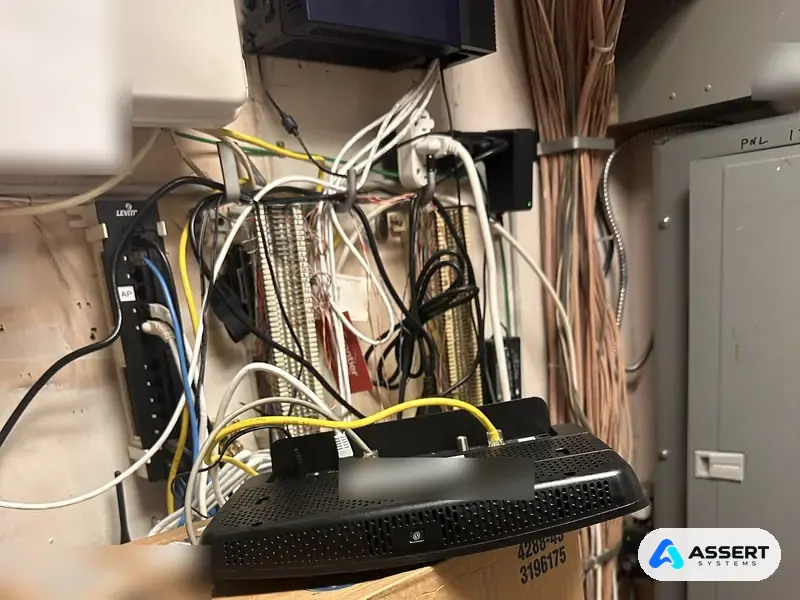
Before: the internet router sat on a supply box, the network and phone wiring were mixed together around the old phone system and punch down blocks, and it was hard to tell which cable went where.
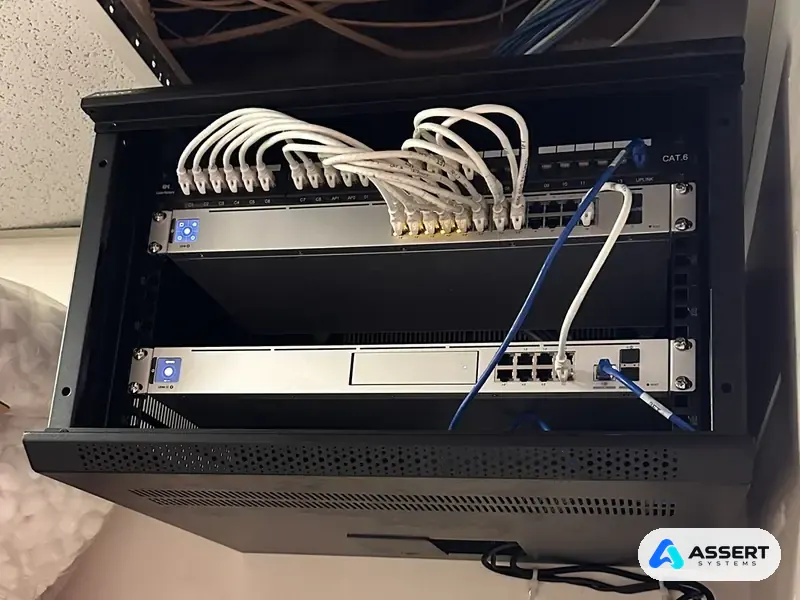
After: everything lives in one closed wall rack. Short patch cables run from a labeled CAT6 patch panel to the switch, and the gateway sits right below it.
What we installed
How we did it
The clinic stayed open the whole time. Most of the work was planned so the switch over took only a short window.
We walked the suite, marked where the cameras and access points go, and wrote the plan before buying anything.
Our licensed low voltage cabling team pulled new CAT6 runs to a labeled patch panel.
We mounted the wall rack and set up the gateway, the fixed internet address, the VLANs and every security setting before going live.
We moved the internet from the old router to the Dream Machine and brought up the new WiFi with a new name and password.
We tested every port, access point and camera, reconnected the WiFi printers and documented the setup.
Network security
A clinic network carries patient information, so a fast network is not enough. These are the protections we turned on.
These are HIPAA technical safeguards for the network. Compliance stays the clinic's responsibility: we put the safeguards in place and help with the documentation.
Why it matters
Questions
Yes. We look at your closet and your office first, then give you a written plan and a fixed quote. We can work before or after business hours so your team keeps working.
Yes. We install and manage UniFi gateways, switches, WiFi access points and Protect cameras for offices and clinics.
Our own licensed low voltage cabling team, so every run is clean, labeled and tested.
Only for a short, planned window. We set up the new equipment first, then switch over, ideally outside business hours.
Yes, when it is set up right. Guest WiFi runs on its own VLAN, so guests get internet only and cannot reach anything inside the clinic.
Orange County & Los Angeles
We install networks, WiFi and cameras for offices and clinics in Orange County and Los Angeles. Call for a free check.
(949) 244-7672 info@assertsystems.comبه زبان فارسی هم در خدمت شما هستیم